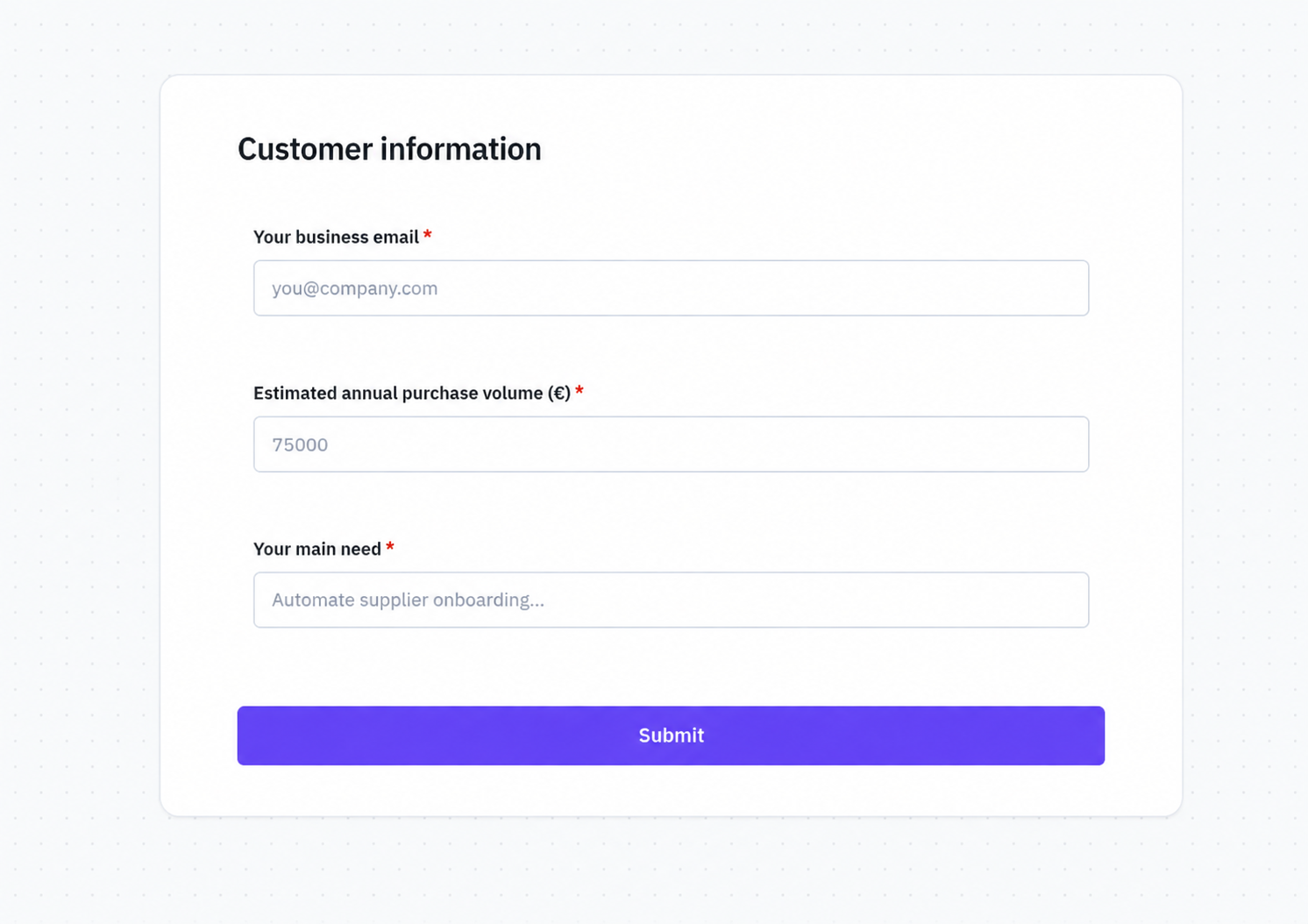
Reusable Form
Design the fields in Form Studio, reuse the Form across Processes and keep the exact revision pinned into the Process contract.
Reusable Forms are versioned platform artefacts. A custom_form step selects a Form and the Process snapshot pins the exact revision it depends on.
Dynamic Form is different: it consumes an ephemeral common.form_spec produced during execution. This is useful when the questions themselves depend on what a previous Decision, provider call or Agent discovered.
Design the fields in Form Studio, reuse the Form across Processes and keep the exact revision pinned into the Process contract.
Present runtime-specific questions from a common.form_spec without pretending the temporary specification is a persisted Form artefact.
The Process resumes only with values validated against the form that was actually presented.
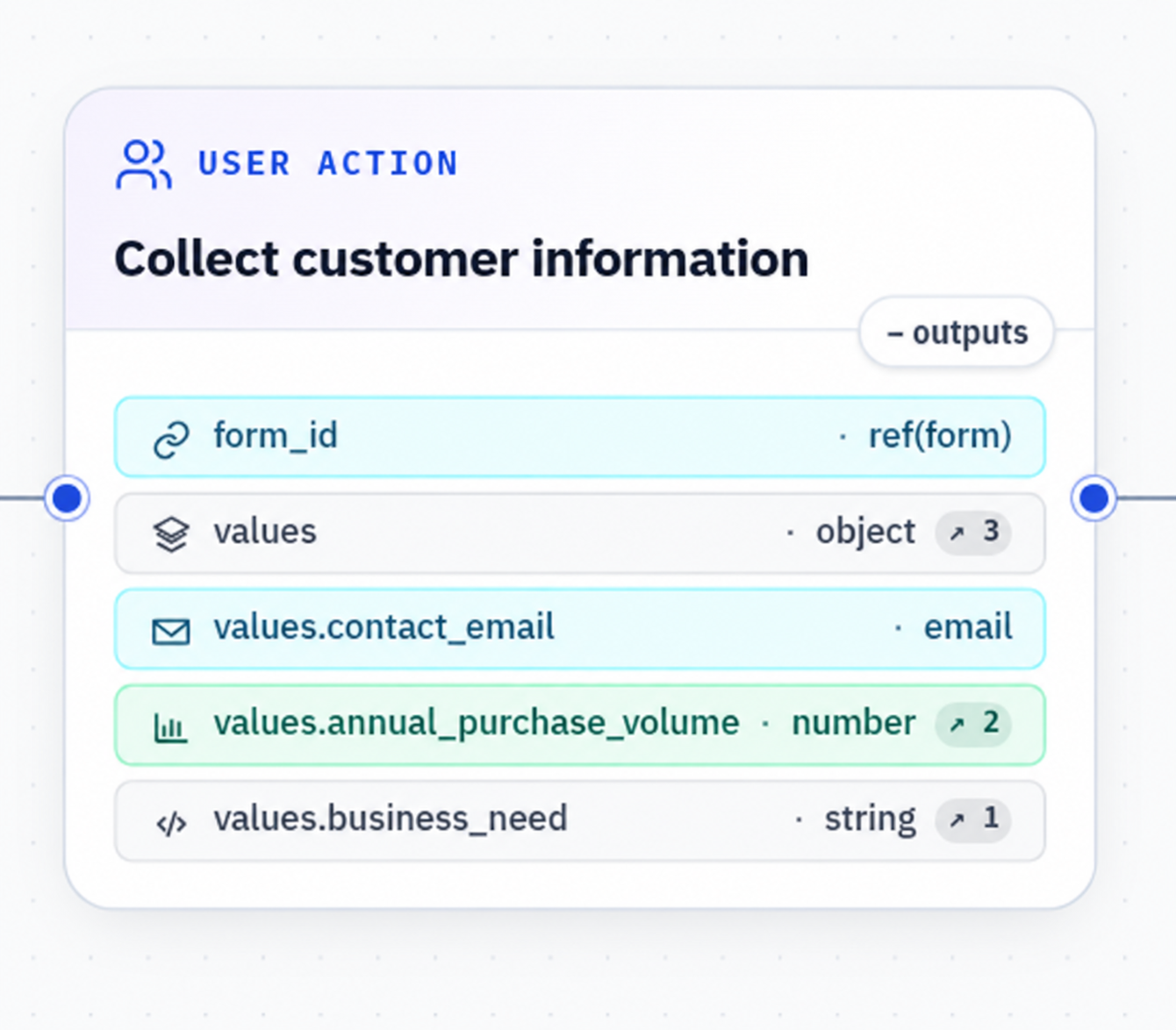
A Form does not own routing, retries, provider calls or business policy. The User Action presents the contract and waits; the Process decides when that interaction is needed and where its output goes next.
An Agent may propose a runtime form specification when ambiguity requires it, but the Agent does not render the interaction or silently persist a new Form.
Agent analysis produces common.form_spec; a Dynamic Form collects common.form_submission; Agent reassessment continues this explicit Process chain instead of a hidden chat loop.
Field constraints make the submission usable by downstream nodes without rebuilding validation in every integration. The output remains typed as Process data rather than becoming an opaque JSON blob.
Data classification is applied at ingress and preserved through execution. A sensitive answer stays protected when it flows to later nodes and generic observability.